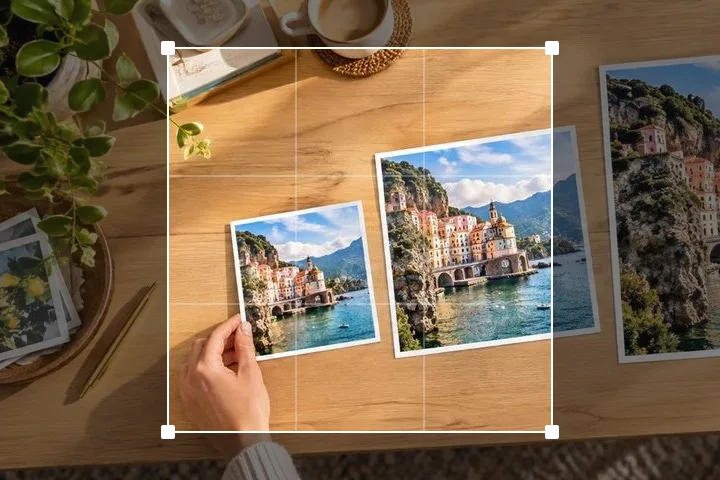
720p, and what it is for
1280 × 720 is the size things get made at when 1920 × 1080 is more than the job needs: preview frames, thumbnails that will be seen at a third of that, screenshots going into a document, anything that has to travel over a connection somebody else is paying for. It is exactly half the pixel count of 1080p and exactly the same shape.
If the picture is a video thumbnail, 1280 × 720 is accepted, but it is no longer the size YouTube recommends: its help page asks for 3840 × 2160 at 16:9, with a minimum width of 640 (YouTube Help, checked 18 October 2026). Search "thumbnail" in Find a size for both.
That last part matters more than it sounds. If you need both sizes, make both from the original. Making 1280 × 720 and then making 1920 × 1080 out of it gives you a 1920-wide file built from 1280 pixels of information, and no setting anywhere recovers the difference.
Small numbers make the filter matter
At 1920 wide, most photographs survive almost any resampling method. At 1280 and below, from a 12 megapixel original, you are discarding roughly nine tenths of the pixels and the method starts to be visible. The failure is not blurring — it is aliasing: brickwork that turns into a moiré pattern, hair that turns into a fringe, small text that turns into grey mush with a few dark specks in it.
This page halves the picture with a box average until it is within twice the target, then makes one Lanczos3 pass to land on 1280 × 720. The halvings are what stop the aliasing, because every source pixel gets read; a single large jump skips over most of them. Switch the view to 100% and drag the divider over an area of fine detail — that is the difference, at the size it will actually be seen.
Questions we get asked
The text in my screenshot is unreadable at 720p.
It probably was going to be. Text rendered at 12 pixels tall and then reduced by two thirds has four pixels to work with, and there is no filter that puts the letterforms back. Take the screenshot at the size it will be shown, or crop to the part that matters instead of shrinking the whole window.
Should I save this as PNG or JPG?
If it is a photograph, JPG at the default quality of 88 and check the size beside the button. If it is a screenshot, a diagram or anything with flat colour and hard edges, PNG — JPG puts a halo around every hard edge and at 1280 wide you will see it. WebP is usually smaller than both and every current browser reads it.
Why is my 720p file bigger than the 1080p one?
Different formats, most likely. A PNG at 1280 × 720 can easily be larger than a JPG at 1920 × 1080, because PNG stores every pixel exactly and JPG does not. Pixels and kilobytes are two different measurements and they only loosely track each other.