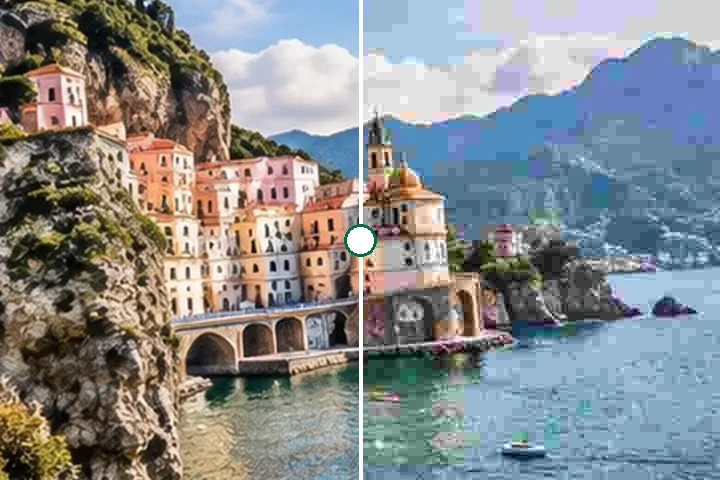
A worked example
A 4032 × 3024 phone JPG of 3.4 MB, typed 1920 wide, becomes 1920 × 1440. At quality 88 it typically lands in the hundreds of kilobytes; the exact number is shown beside Save and in the receipt, measured from the very file you will download.
When another page here fits better
If a form gives a size in KB, resize image in KB searches the quality for you. For a picture with transparency, resize PNG keeps it.
What stays on your device
The JPG is decoded, resampled and encoded again in this tab. The metadata it carried stays on your machine, in the original.
Every JPG save is lossy. Resize from the original each time rather than from an earlier export, or the losses add up.
Questions people ask here
What quality should I use?
88, the default, is visually lossless for most photos. 75–82 is a good web compromise. Below 50 the page says the compression is heavy, because faces and text start to look blocky.
Why is my photo no longer sideways?
Phone JPGs often store the picture sideways with a tag saying which way is up. This page applies that tag to the pixels, so the saved JPG is upright everywhere, even in software that ignores the tag.
Is the location removed?
Yes. The browser's encoder writes no EXIF, so GPS, camera model and dates are not copied into the new file.