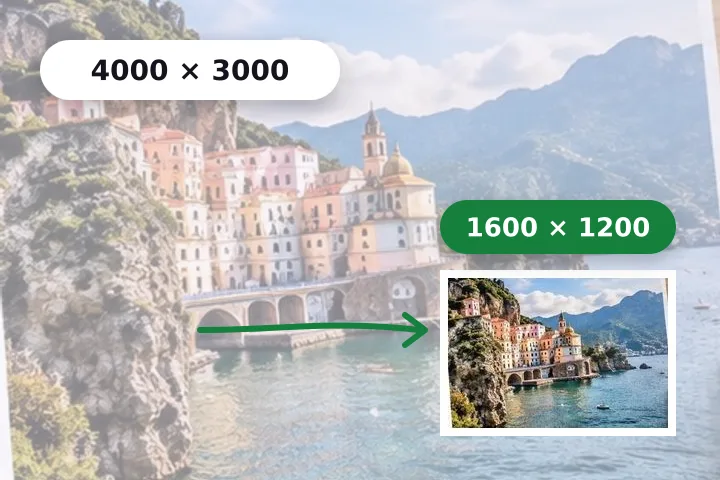
A worked example
A 4032 × 3024 phone photo of 3.1 MB becomes 1600 × 1200 at quality 82 — typically a few hundred kilobytes, and the exact figure is printed next to the original's before you save. A portrait 3024 × 4032 photo becomes 1200 × 1600, because the long edge follows the picture's orientation.
When another page here fits better
If someone gave you a limit in kilobytes, use resize image in KB, which searches for the best quality under it. If you gave yourself a whole folder to shrink, bulk resize applies the same long-edge rule to every file and hands back one ZIP.
What stays on your device
The photo is decoded, resampled and re-encoded in this tab. The browser's encoder writes no camera metadata, so location and camera details in the original are not copied into the smaller file.
Reducing throws pixels away for good. Keep the original; a 1600 px copy cannot be turned back into the 4032 px photo it came from.
Questions people ask here
Why 1600 pixels?
It fills a laptop screen and most email and chat previews at full sharpness while carrying about a fifth of the pixels of a 12-megapixel photo. Change it with the chips — 1080 for messaging, 2048 for a sharper archive copy.
My photo got larger in bytes. How?
Usually because it was already small and heavily compressed, and the default quality here is higher than the one it was saved at. The page says so beside the numbers; lower the quality, or set a kilobyte limit in File size.
Does a small picture get blown up to 1600?
No. Never enlarge is on, so a picture already under 1600 pixels keeps its size and is only re-encoded.