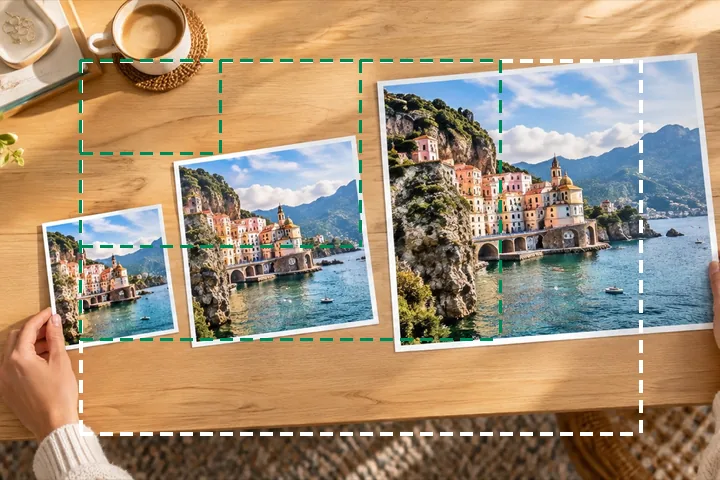
A worked example
A 4032 × 3024 photo at 50% becomes 2016 × 1512 by one box halving, then Lanczos3. At 25% it is 1008 × 756 after two halvings. At 150% it is 6048 × 4536, and the meter reads 44% measured — the rest is interpolated by a Mitchell filter.
When another page here fits better
If the target is a number of pixels on the long side, reduce image size works in those terms. If a form gave you a kilobyte limit, resize image in KB searches the quality for it. For a minimum size, increase image size opens at 200%.
What stays on your device
The percentage is arithmetic in the page; the resampling runs in a worker in this tab. Nothing about the picture is sent anywhere.
Scaling down discards detail for good, and scaling up never adds any: the explainer on resampling shows why.
Questions people ask here
Is 50% half the file size?
Half the width and half the height is a quarter of the pixels, so the file usually lands near a quarter of the original's bytes at the same quality — the exact figure is measured and shown beside Save before you keep it.
Why does 33% give 1331 and not 1330.6?
Pixels are whole. The page rounds half up and prints the result in the fields, so the number you see is the number in the file.
Can I scale above 100%?
Yes: Never enlarge is off on this page. The meter under Quality then says how much of the result comes from measured pixels — at 200% about a quarter.