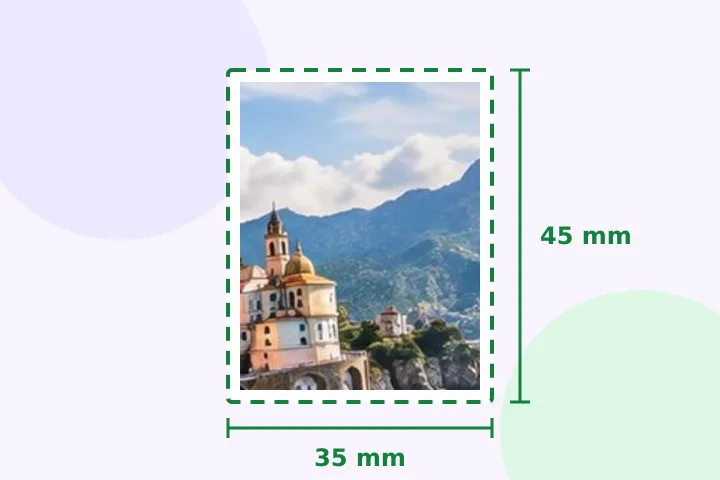
A worked example
A 3024 × 4032 portrait photo at 35 × 45 mm and 300 DPI becomes 413 × 531 pixels. The frame is narrower than the photo's 3:4 shape, so Fill keeps the full height and trims a strip from each side; drag left or right to keep the face centred. The 2 × 2 inch preset gives 600 × 600 pixels and trims top and bottom instead.
When another page here fits better
For an exam or recruitment form with a pixel size and a KB range, use the exam-form page. For any other paper size, resize image in cm takes any width, height and DPI.
What stays on your device
A face photo is exactly the kind of file that should not travel. It is opened, framed and saved in this tab; there is no upload step to skip, because there is nowhere to upload it to.
This page makes a correctly sized file and, if you want one, a print sheet of copies. It does not judge whether the photo itself meets a passport office's rules: the head-height guide only draws the numbers you give it.
Questions people ask here
Does this check the background or the head size?
No. It sizes the file — pixels, paper size and kilobytes — and makes no claim about any country's rules for the background or the expression. The head-height guide draws two ovals from numbers you can edit (it starts from commonly cited ranges), so you can drag the photo until the head sits between them; it does not detect or judge the face.
Can I print several copies on one sheet?
Yes. Under Print sheet, pick 4 × 6 in or A4: the finished photo is tiled at its true size at 300 DPI, 2 mm apart with cut marks — six 35 × 45 mm copies fit on 4 × 6 in, thirty on A4. Print it at actual size (100%), not fit to page.
Can it remove the background?
No. This page only resizes. Take the photo against a plain light wall and it will need nothing else.
How do I get the face in the middle?
Drag the picture inside the frame on the canvas, or use the nine-point grid under Fit to box; top-centre keeps a face near the top of the frame.
Which sizes are listed?
35 × 45 mm and 2 × 2 inch, the two commonly used passport print sizes, plus the Indian e-Visa and US visa digital photo specifications from their official pages, each with its check date.