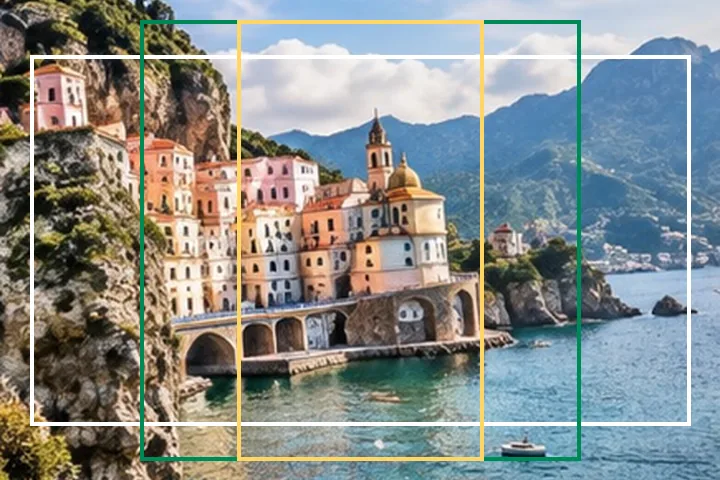
A worked example
A 4032 × 3024 photo to 16:9 with Fill becomes 4032 × 2268: 756 rows are discarded, split above and below unless you drag or anchor the crop. To 9:16 with Pad it becomes 2268 × 4032, with the whole photo scaled to 2268 × 1701 and the rest margin.
When another page here fits better
To choose the crop by hand, use crop and resize. For a fixed pixel box such as 1920 × 1080, the dimension pages open with it.
What stays on your device
The shape is arithmetic in the page and the pixels are moved in a worker in this tab. Nothing is sent anywhere.
A ratio cannot be met without giving something up: Fill gives up a strip of the picture, Pad gives up the frame's fullness, Stretch gives up the true shape.
Questions people ask here
Which is better, Fill or Pad?
Fill keeps the frame full and throws away a strip; Pad keeps the whole picture and adds a margin. For a profile picture or a thumbnail, Fill; for a product or a document where nothing may be cut, Pad.
Why not Stretch?
Because it changes the shape of everything in the picture. The page measures it — a 4:3 photo stretched to 16:9 is 33% wider than life — and keeps it available for the rare specification that demands it.
Does changing the ratio change the pixel count?
With Fill and no long edge, the result is the largest box of that shape inside the picture, so it has fewer pixels. With Pad, the box is the picture's long edge in the new shape and the margin is added around it.