A worked example
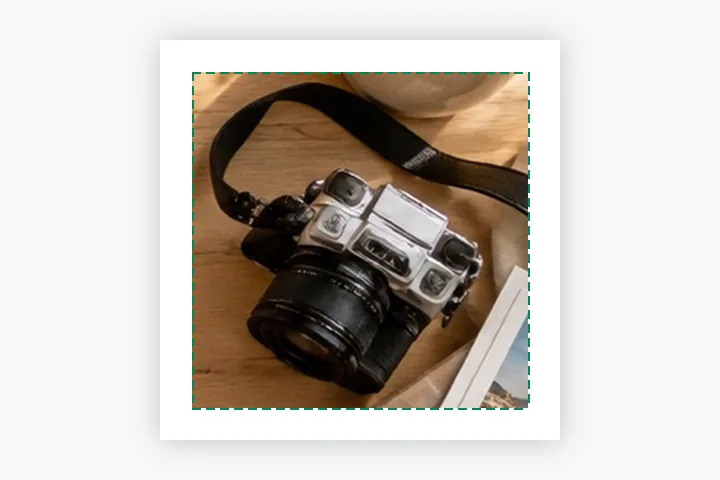
A 3024 × 4032 portrait product photo into 2000 × 2000 with a 4% margin: the product area is 1840 × 1840, the photo is scaled to 1380 × 1840 and centred, so there are 80 pixels of white above and below and 310 to each side.
When another page here fits better
For a folder with a long-edge rule instead of a square, use bulk resize. For a listing that wants files under a size, add a limit in File size, or start from resize image in KB.
What stays on your device
Unreleased products are exactly the photos that should not sit on someone else's server. Every photo is decoded, padded and saved in this tab, and the ZIP is built here.
Pad does not judge the photo: a dark or busy background stays inside the square, and a white margin next to it will show as a frame.
Questions people ask here
Why a square on white?
It is the convention most marketplaces and shop themes are built around: every thumbnail lines up and nothing is cropped by the grid. The presets are commonly used sizes; check your platform's own guidance for its current minimum.
Does it remove the background?
No. It pads the photo on white. If the photo was taken on white or very light paper, the margin blends in; if not, the original background stays inside the square.
Can I do a whole folder?
Yes. Choose pictures from the Batch panel or drop several at once: each gets the same square, pad and margin, and the ZIP carries a receipts.csv with every file's sizes and bytes.