A worked example
A form asks for a 6 × 2 cm signature at 200 DPI. Type 6 and 2 in centimetres and pick 200: the page shows 6 × 2 cm at 200 DPI = 472 × 157 px. With both sides given, choose Pad on white so the signature is never cropped; add a KB limit in File size if the form gives one.
| Paper size | At 150 DPI | At 300 DPI |
|---|---|---|
| 3.5 × 4.5 cm | 207 × 266 px | 413 × 531 px |
| 2 × 2 in | 300 × 300 px | 600 × 600 px |
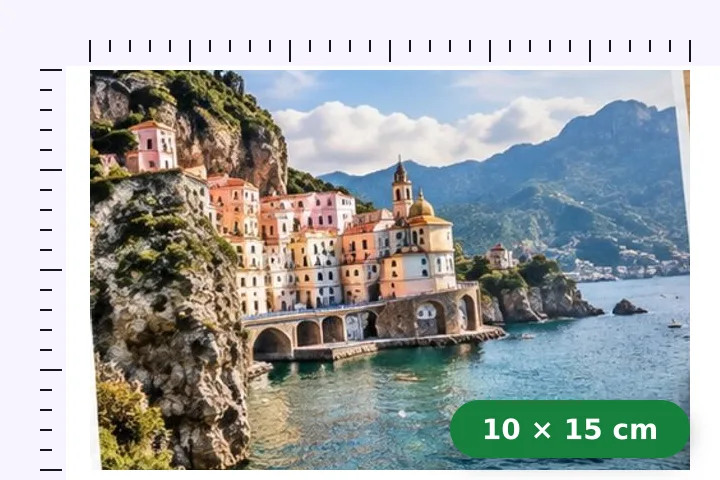
| 10 × 15 cm | 591 × 886 px | 1181 × 1772 px |
| A4, 21 × 29.7 cm | 1240 × 1754 px | 2480 × 3508 px |
When another page here fits better
For a passport-size photo, the passport page opens at 35 × 45 mm with Fill already chosen. For an exam form, the exam-form page sets the pixels and the KB range from the notice.
What stays on your device
The conversion is arithmetic in the page and the resize runs in a worker in this tab. The picture, its name and the numbers you type are not sent anywhere.
DPI is a note to the printer about spacing; it adds no detail. If the picture has fewer pixels than the print size needs, the result is an enlargement and the meter says how soft.
Questions people ask here
How many pixels is 3.5 × 4.5 cm?
At 300 DPI, 413 × 531 pixels: 3.5 cm is 1.378 inches, times 300 is 413.4, rounded to 413. At 200 DPI it is 276 × 354. The page prints this sum under the fields as you type.
Does the saved file say 300 DPI?
Only if you ask. The pixels are sized for the print size you typed; a note then offers to write the DPI into the file too, and DPI in the file under Export does the same for JPG and PNG. It is a header tag — no pixel changes. Most upload forms check the pixel size and the file size; a printer told to print at 3.5 cm places 413 pixels there either way.
What if only the width matters?
Leave the height empty. The height then follows the picture's own shape, so nothing is cropped or padded.