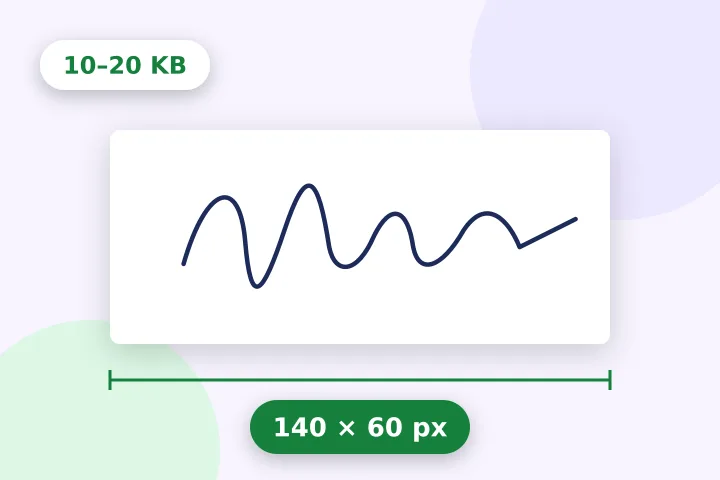
A worked example
A 2000 × 900 phone photo of a signature on grey-white paper: clean-up reads the paper level, lifts the paper to white and trims to the ink with a margin — say 1180 × 420 of the photo — and that is scaled to fit inside 140 × 60, centred, on white. The quality is then searched until the JPG lands between 10 240 and 20 000 bytes.
When another page here fits better
If the form also wants a photo and a thumb impression, the exam-form page lists them all on one screen. If the form gives the signature size in centimetres, resize image in cm does the DPI arithmetic.
What stays on your device
A signature is not something to hand to a server. It is opened, padded and saved in this tab, and nothing about it is sent anywhere.
Clean-up works on contrast, not on meaning: a shadow across the paper can read as ink and stop the trim short. Straightening is not built yet, so photograph the signature square-on and in even light.
Questions people ask here
Why white space instead of cropping?
Because a signature cropped to the strip's shape can lose the tail of a letter. Pad fits the whole signature inside the strip and fills the rest with white, which is what forms expect to see.
Can it remove the grey of the paper?
Yes. Clean up the ink finds the grey level that best separates ink from paper (Otsu's method) and turns everything lighter than it white, lifting the strokes in proportion so they keep their shape. Move Paper level up if the paper stays grey, down if thin strokes break up.
My signature looks tiny in the strip.
Trim to the ink, on by default here, crops away the empty paper and keeps a margin of 6% of the signature's size, so the strokes fill the strip. Without it, Pad keeps everything you open, paper included.
What does Pure black ink do?
Every pixel darker than the paper level becomes black, which looks like a scan and compresses small. It loses the pen's texture, so it is off by default.