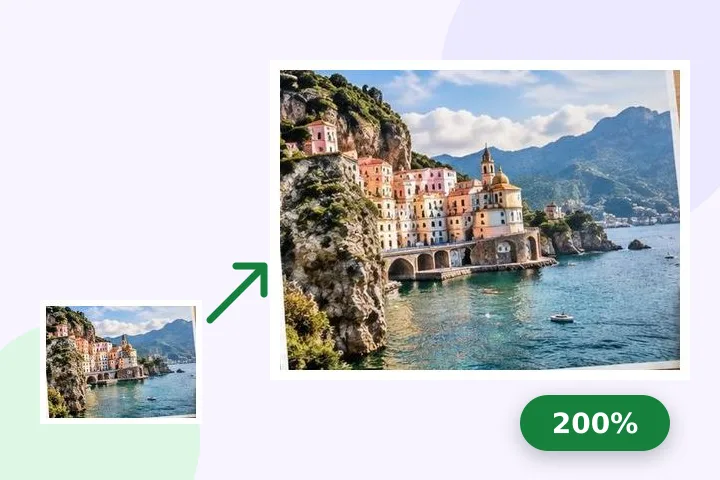
A worked example
A 640 × 480 picture at 200% becomes 1280 × 960; the meter reads about 25% measured and says the result is visibly softer. A form that asks for at least 1000 px wide is met by typing 1000 into the width with Pixels selected — the chain keeps the shape, so the height becomes 750.
When another page here fits better
If the minimum is stated on paper — centimetres at a DPI — use resize image in cm, which does that arithmetic for you. If you only need a bigger print rather than more pixels, pixels and print size explains why changing the DPI alone adds nothing.
What stays on your device
Enlarging is classical resampling in a worker thread in this tab. There is no AI model and nothing is downloaded for it.
Past 4× almost every output pixel is interpolated, and the page says so. The file grows and softens; it never becomes more detailed.
Questions people ask here
Does enlarging add detail?
No. The new pixels are interpolated from their neighbours with a Mitchell filter, which keeps edges smooth without ringing. The result meets a minimum size; it does not show anything the original did not.
What does "25% measured" mean?
At 2× each source pixel becomes four output pixels, so about a quarter of the result comes straight from measured values and the rest is filled in between them. The meter states that fraction for whatever size you set.
Which setting suits a logo or a screenshot?
Sharp, under Quality. It runs one Lanczos3 pass, which keeps text and hard edges crisper than the default at the cost of slight ringing.