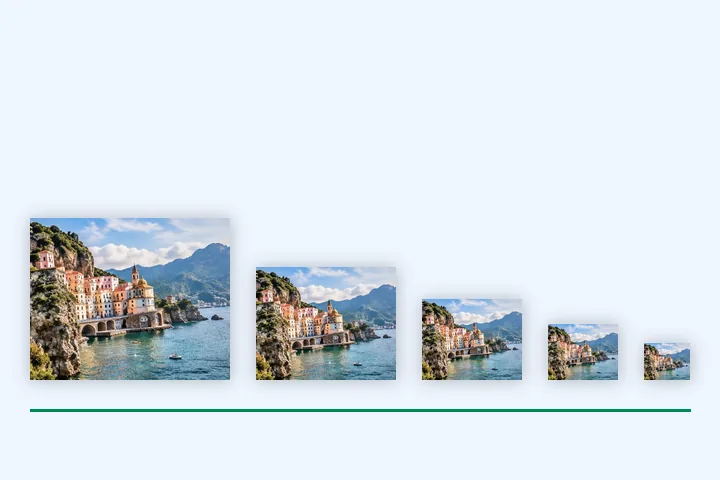
A worked example
A 4032 × 3024 photo becomes 480 × 360, 800 × 600, 1200 × 900, 1600 × 1200 and 2000 × 1500 WebP files at quality 80, plus srcset.html with sizes set to the largest width. With <picture> chosen, the ZIP holds ten files — each width as WebP and JPG — and picture.html.
When another page here fits better
For a whole folder at one width, use bulk resize. For one size with a byte limit, resize image in KB.
What stays on your device
Every width is rendered one at a time in this tab and the ZIP is built here. The snippet names the files in the ZIP and nothing else.
The snippet's sizes attribute assumes the image is shown full width up to its largest size. Change it if your layout puts the image in a column.
Questions people ask here
Which widths do I need?
480 and 800 cover phones, 1200 and 1600 cover laptops and high-density phones, 2000 covers large screens. A width larger than your picture is skipped rather than enlarged.
srcset or <picture>?
srcset with WebP is enough for current browsers. <picture> adds a JPG copy of every width for older ones, at the cost of twice the files; the snippet lists both and the browser picks.
Can every file stay under 200 KB?
Set Limit per file: each JPG and WebP is searched for the best quality under it at its own width, and the summary says if one could not get there.