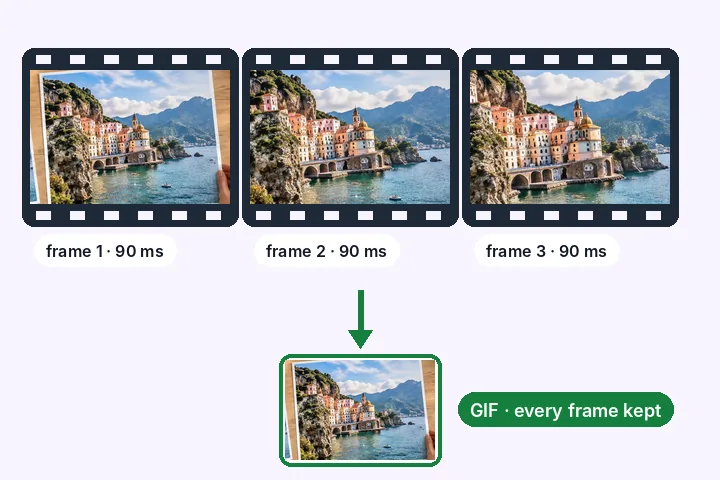
A worked example
A 400 × 300 test animation of 10 frames — 0.96 seconds, looping forever, 11 KB — at half width became 200 × 150 and 7 KB, with all 10 frames, each with its own delay (80 to 200 ms) and the same endless loop. With a 4 KB limit, every second frame was dropped once: 5 frames, still 0.96 seconds, 4 KB. The page read both files back and counted their frames before offering Save.
When another page here fits better
For a still picture, the resizer does more: KB targets, print sizes, crop and pad. For a photo that must be under a KB limit, resize image in KB searches the quality for you.
What stays on your device
The GIF is read, every frame is resized and the new file is written by a worker in this tab. Nothing is uploaded; the page works the same with the network off once it has loaded.
GIF is an old format: 256 colours per frame and on-or-off transparency. Photographic GIFs will band a little; enlarging a GIF makes every frame softer, not more detailed.
Questions people ask here
Does the animation keep its speed?
Yes. Each frame keeps its own delay and the loop count is copied, so the resized GIF plays for exactly as long as the original. With a KB limit, a dropped frame's time is added to the frame before it, so the total time still matches.
How do I make a GIF smaller in KB?
Three things, in order of how much they help: fewer pixels (half the width is about a quarter of the bytes), fewer colours per frame, and fewer frames. The page does the first two on request and the third only when you set a limit, and it prints the frames and seconds of the result.
Why do the colours change slightly?
A GIF frame can hold at most 256 colours. After resizing, new in-between colours appear at every edge, so each frame gets a fresh 256-colour palette chosen for that frame. Fewer colours is a smaller file and a coarser look.
What about transparent GIFs?
Transparency is kept. GIF transparency is on or off per pixel, so a soft edge is cut at half-opacity — the same rule the format has always had.
Is there a size limit?
The whole GIF is unpacked in memory, frame by frame. Past a budget set by your device — width × height × frames — the page refuses and prints the numbers instead of crashing the tab.