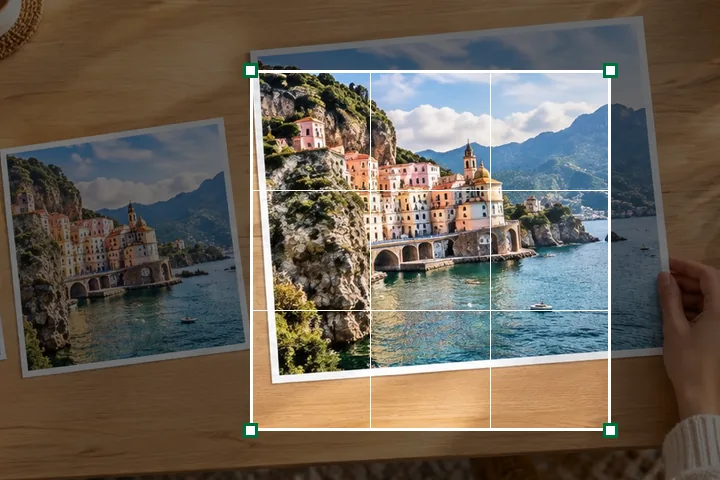
A worked example
A 4032 × 3024 photo, cropped with the 1:1 lock to 3024 × 3024 and moved to the right third, then typed 1080 wide: the receipt reads Crop step cropped: 3024 × 3024 of 4032 × 3024, Delivered 1080 × 1080, and names the chain — one box halving, then Lanczos3.
When another page here fits better
If you only need a shape and the picture's centre is fine, change aspect ratio crops or pads to it without drawing anything. For a fixed box, the fit, fill and stretch explainer shows what each mode does.
What stays on your device
The crop, turn and resize run in a worker in this tab. The rectangle you draw is kept in the page and, if you copy a recipe link, in the link — never the picture.
Turning is in quarter turns only; straightening by a few degrees is not built.
Questions people ask here
Is the crop done before or after the resize?
Before. The crop picks the pixels; the size is then worked out from the crop as if it were the whole picture, so a 3024 × 3024 crop set to 1080 is resampled once, from 3024 to 1080.
Can I type the crop?
Yes: X, Y, W and H are in the picture's own pixels, and the rectangle on the stage follows them. Arrow keys move the rectangle or a corner by 1% of the picture, Shift by 10%.
Do turn and mirror lose quality?
No. They are applied once, in the same pass as the crop and the resize, so the picture is resampled only once.