A worked example
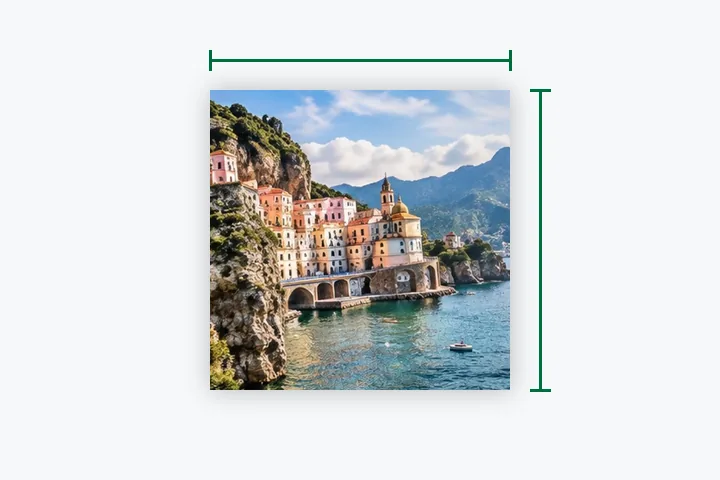
A 3024 × 4032 portrait photo: Fill takes a 3024 × 3024 square — centred, or dragged to keep the face — and resamples it to 300 × 300 after three box halvings and one Lanczos3 pass. The receipt prints each step and the bytes of the JPG you will get.
When another page here fits better
For a 1080 square for social posts, 1080 × 1080. For a form that names a photo size and a KB range, the exam-form page sets both from the notice.
What stays on your device
The crop and the resize run in a worker in this tab. The photo is not uploaded and nothing about it is sent anywhere.
300 × 300 is small: fine text and distant faces will not survive it. Crop close before you shrink.
Questions people ask here
Will my photo be squashed?
No. Fill crops a square from the photo and resizes that, so nothing changes shape. Pad keeps the whole photo and adds a margin. Stretch would squash it, and the page says by how much.
How big is a 300 × 300 JPG?
Usually 20 to 60 KB at the default quality, depending on detail. The exact figure is shown beside Save; set a limit in File size if a form gives one.
My photo is smaller than 300 pixels.
Then Never enlarge holds it at its own size and says so. Turn it off to reach 300 × 300; the meter says how much is interpolated.